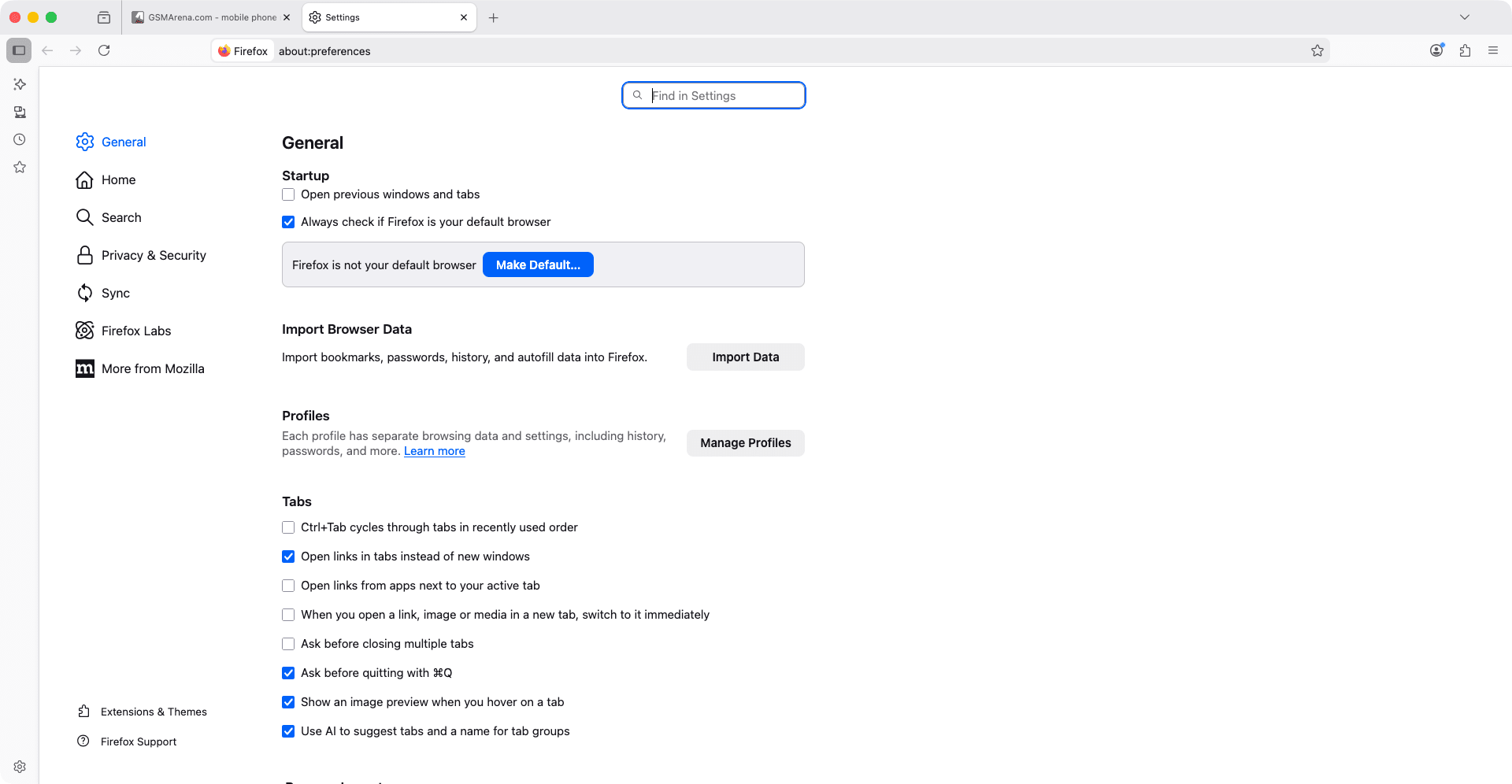
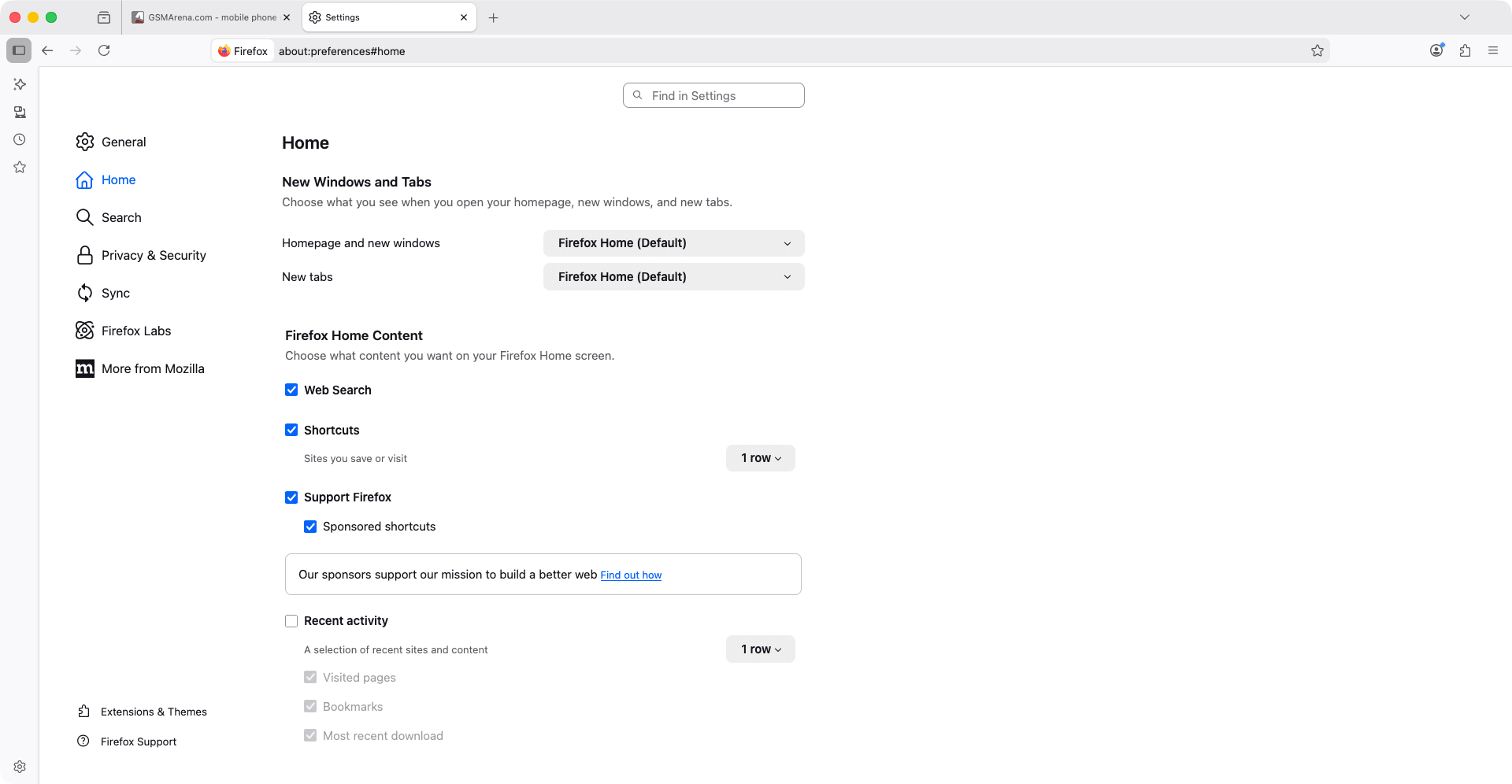
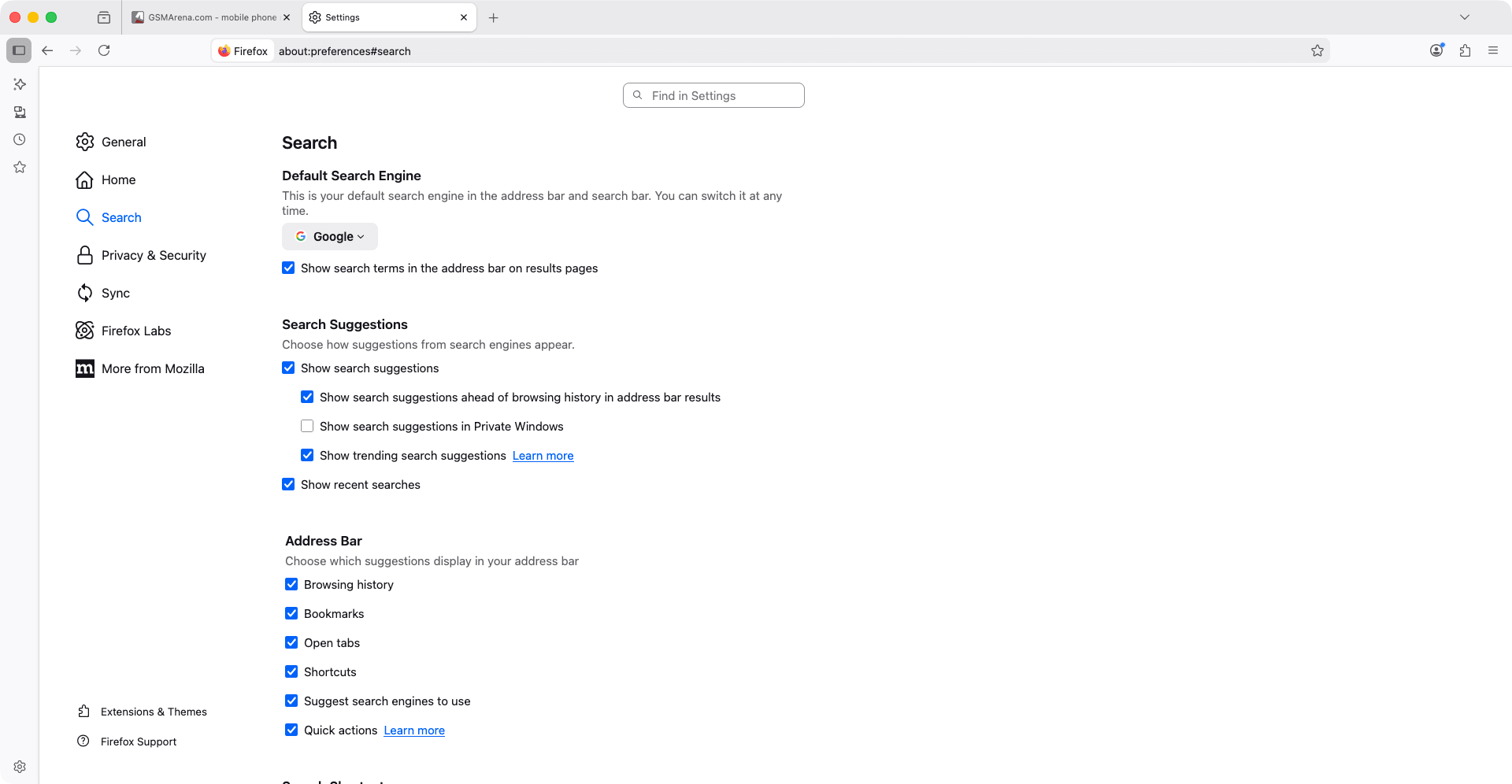
Mozilla Firefox is one of the most popular and trusted web browsers available on macOS and other platforms. It is known for its strong stance on privacy, great performance, and flexibility when it comes to customization. It is one of the very best out there, with some users ranking it as their top choice.
From the moment you launch it, the browser provides a silky-smooth experience on Mac with a clean and unobtrusive user interface. It is developed by the non-profit Mozilla Foundation, which prioritizes user choice, privacy, and transparent processes, and provides you with an overall trustworthy product.
Privacy, security, and tracking protection
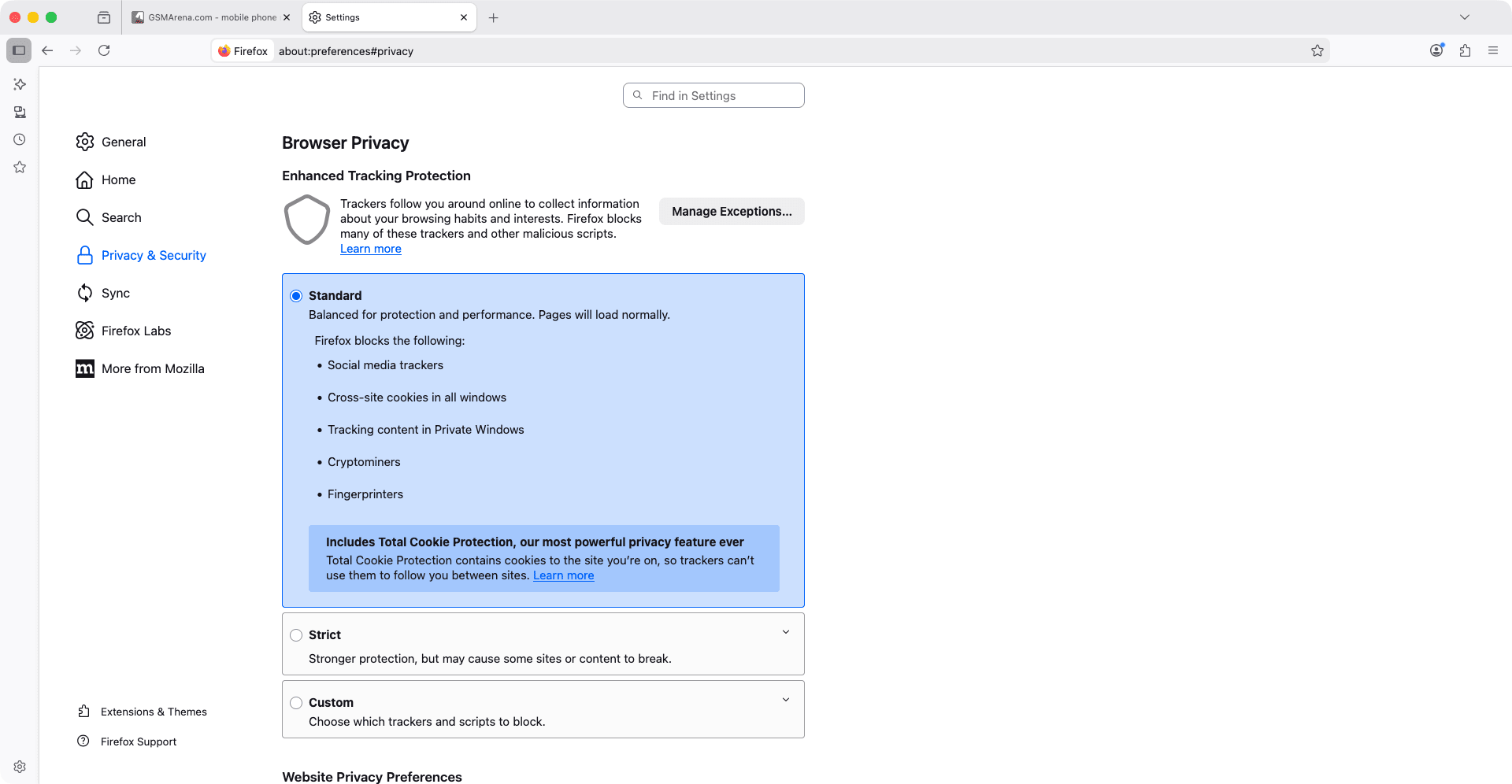
In modern times, the biggest issue when it comes to web browsers and browsing has to be privacy. Many browsers compromise on user privacy, but Firefox goes the other way by adopting a privacy-first approach. It blocks known trackers by default, preventing many advertisers and third parties from following your activity across websites.
It features the Enhanced Tracking Protection system, which lets users choose between standard, strict, or custom blocking levels. This gives users powerful control over what they want to block. It also includes additional features like Total Cookie Protection, Private Browsing mode, and HTTPS-Only Mode.
Extensions, customization, and productivity tools
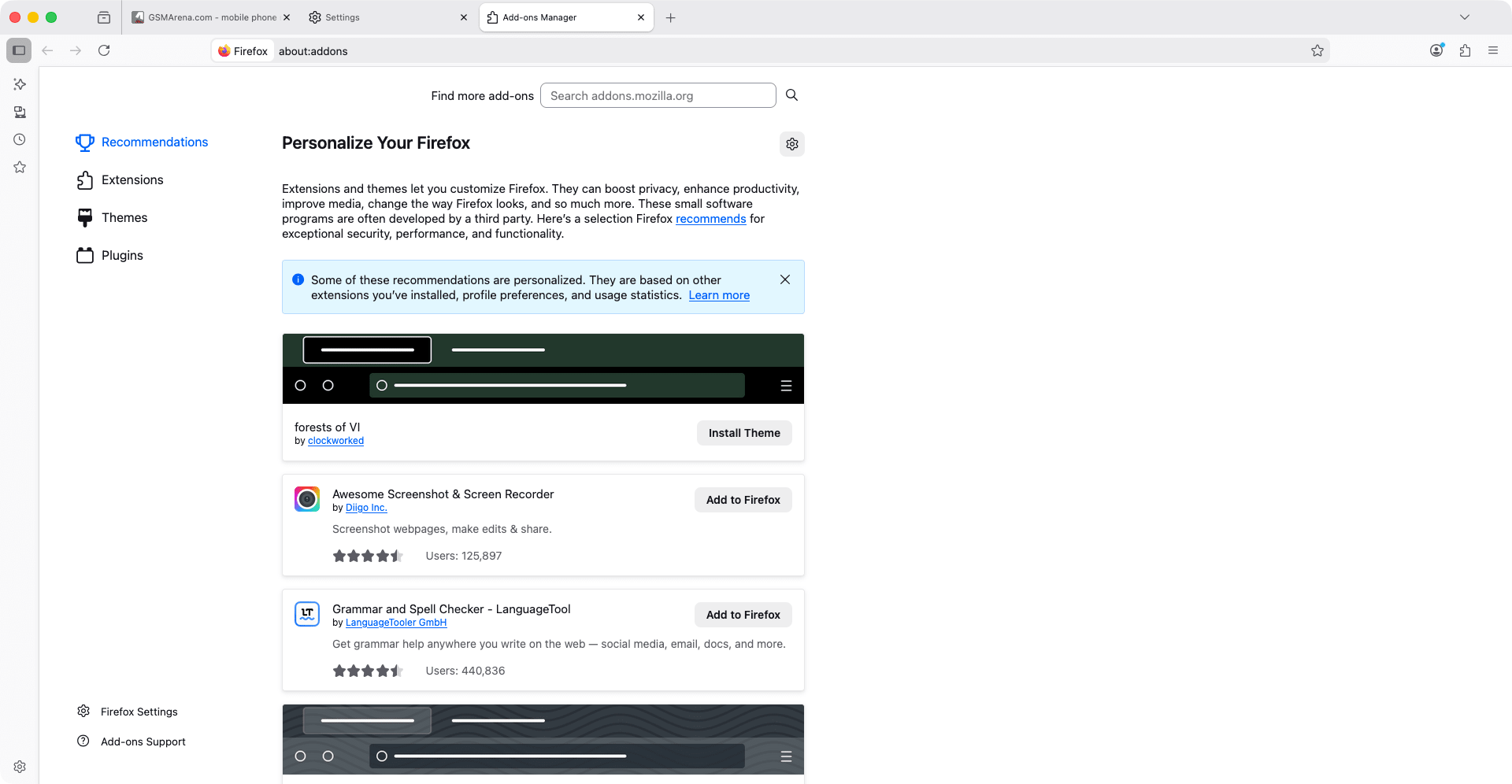
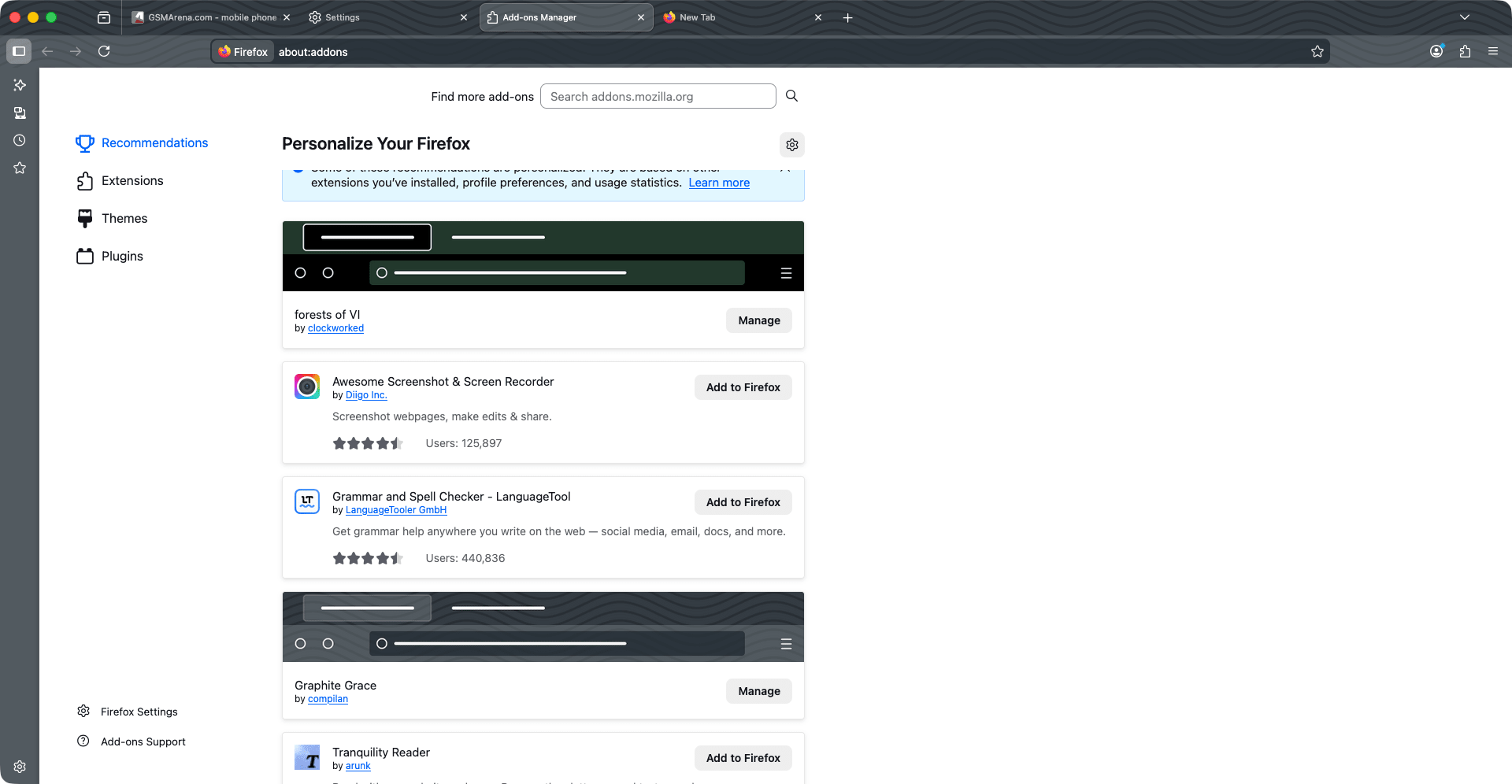
Firefox has a diverse ecosystem of extensions, including ad blockers, password managers, themes, and so much more. You can personalize and customize toolbars, themes, and layouts to optimize your workflow and get the most out of it.
Unique productivity features include:
- Firefox Multi-Account Containers - an extension that isolates web activity into separate containers (e.g., work, social, banking) to prevent cross-site tracking
- Pocket integration - save articles and web content to view later across devices
- Tab Groups and Split View - organize tabs by topic or project, and natively browse two pages side-by-side (a major feature introduced in early 2026)
These tools are particularly beneficial for power users and professionals who juggle multiple tasks and priorities online.
Performance and cross-device sync
Firefox for macOS is reliable and quick. It provides fast page load times and standards compliance for modern web technologies. It supports all current web protocols, video codecs, and performance enhancements necessary for complex sites and web apps.
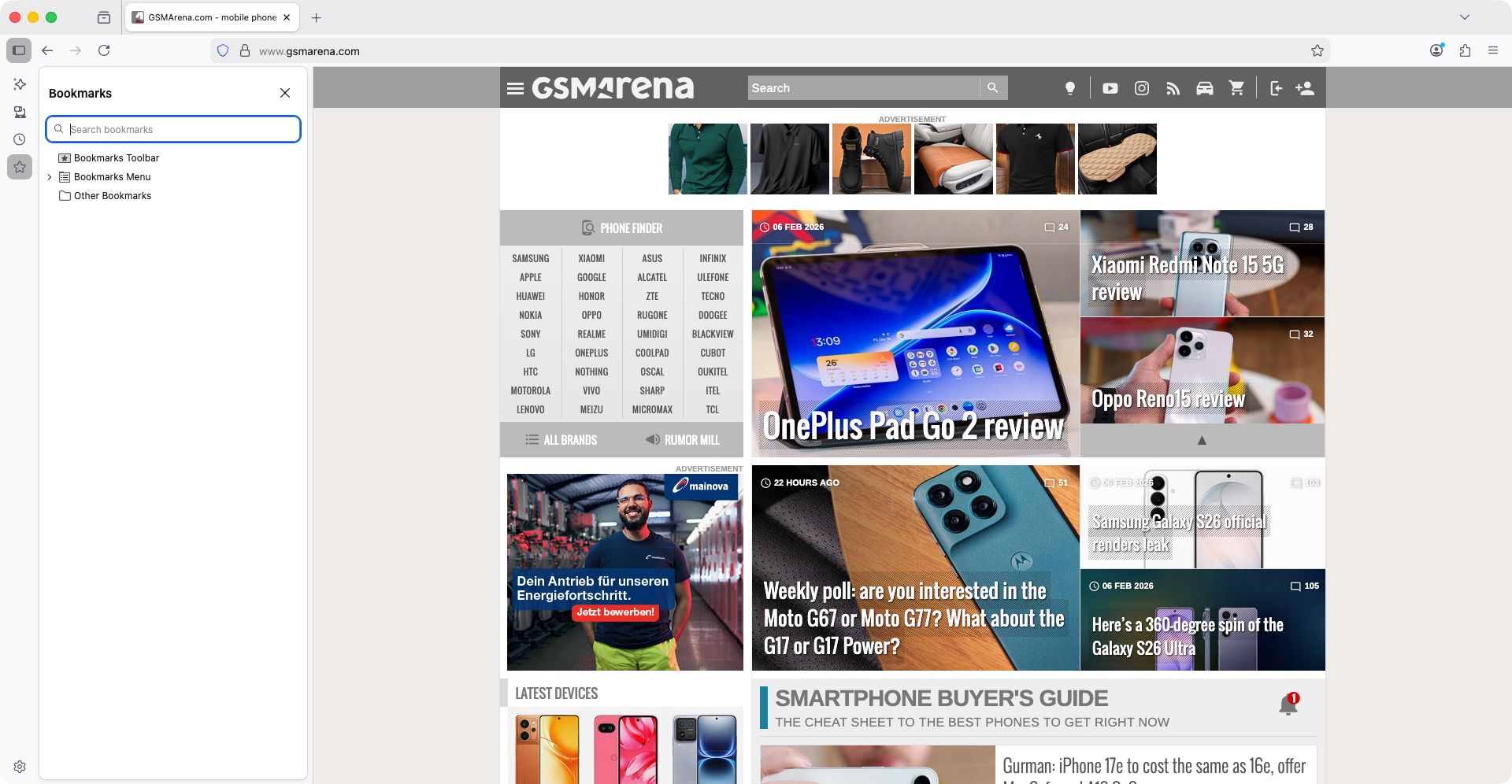
Like other major browsers, Firefox also syncs your bookmarks, history, passwords, and tabs across devices.
A strong, privacy-first browser for all users
Firefox for Mac is a privacy-focused free web browser that does everything reliably. From customization to privacy to transparency, it offers enough flexibility and features to satisfy all kinds of users.